Know how much to eat.
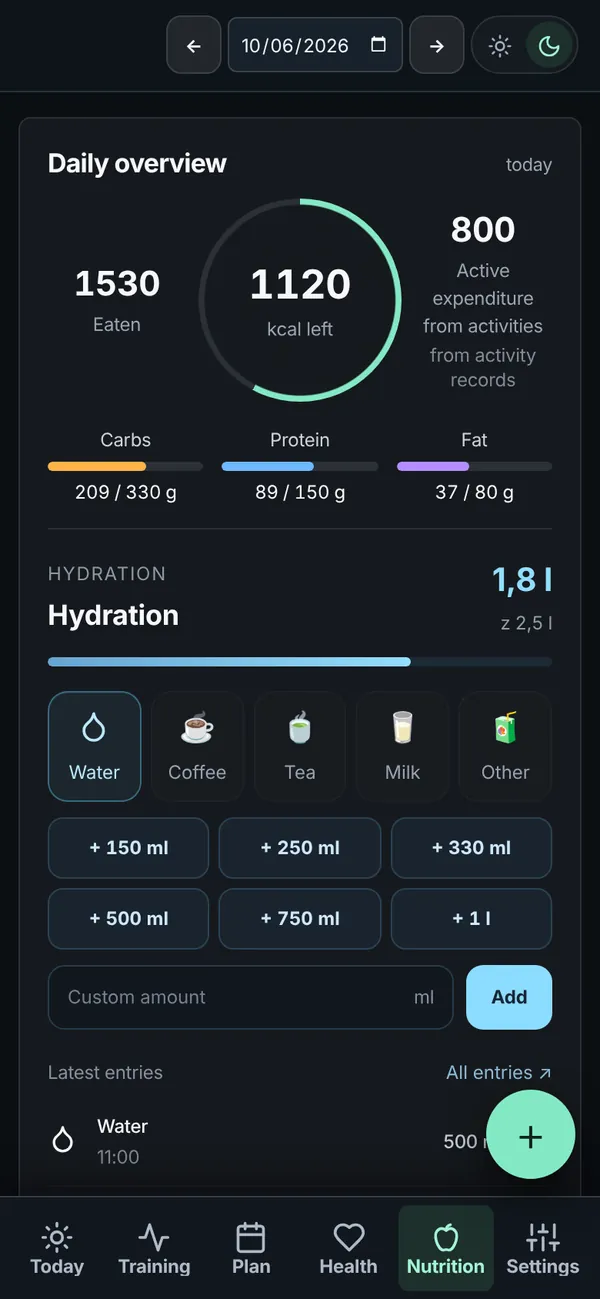
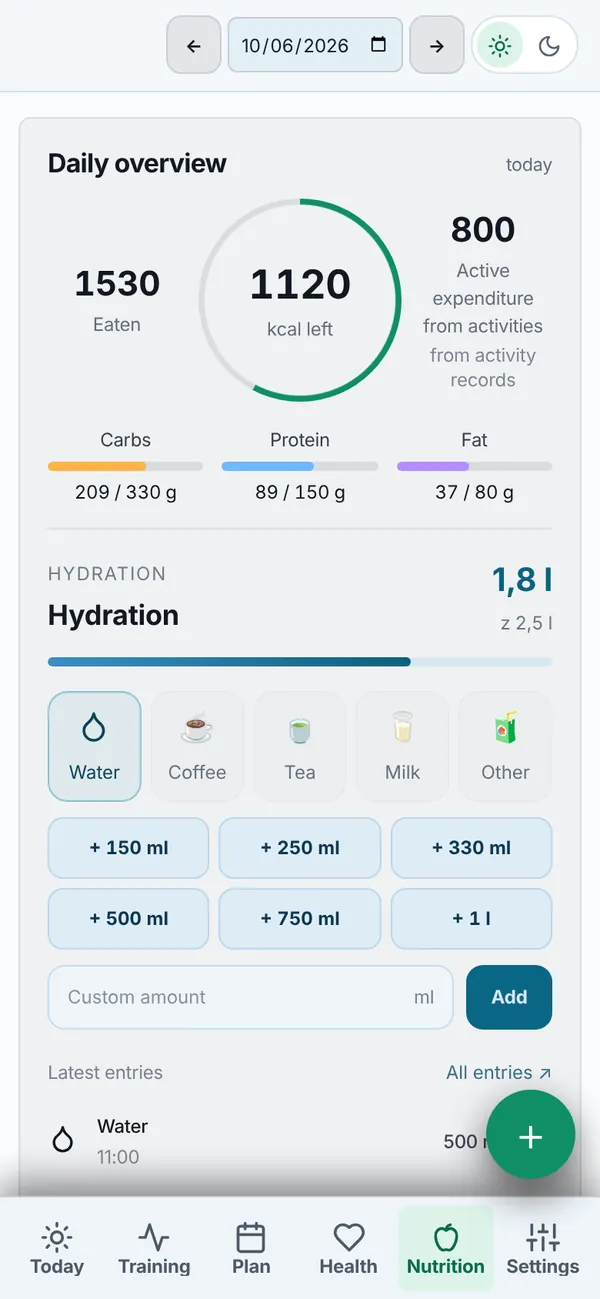
Your calorie and macro targets follow what your day holds. Log food from a photo, a barcode or a few words.
- Calories and macros that follow your training
- Log from a photo, barcode or text
- Drinks in one tap
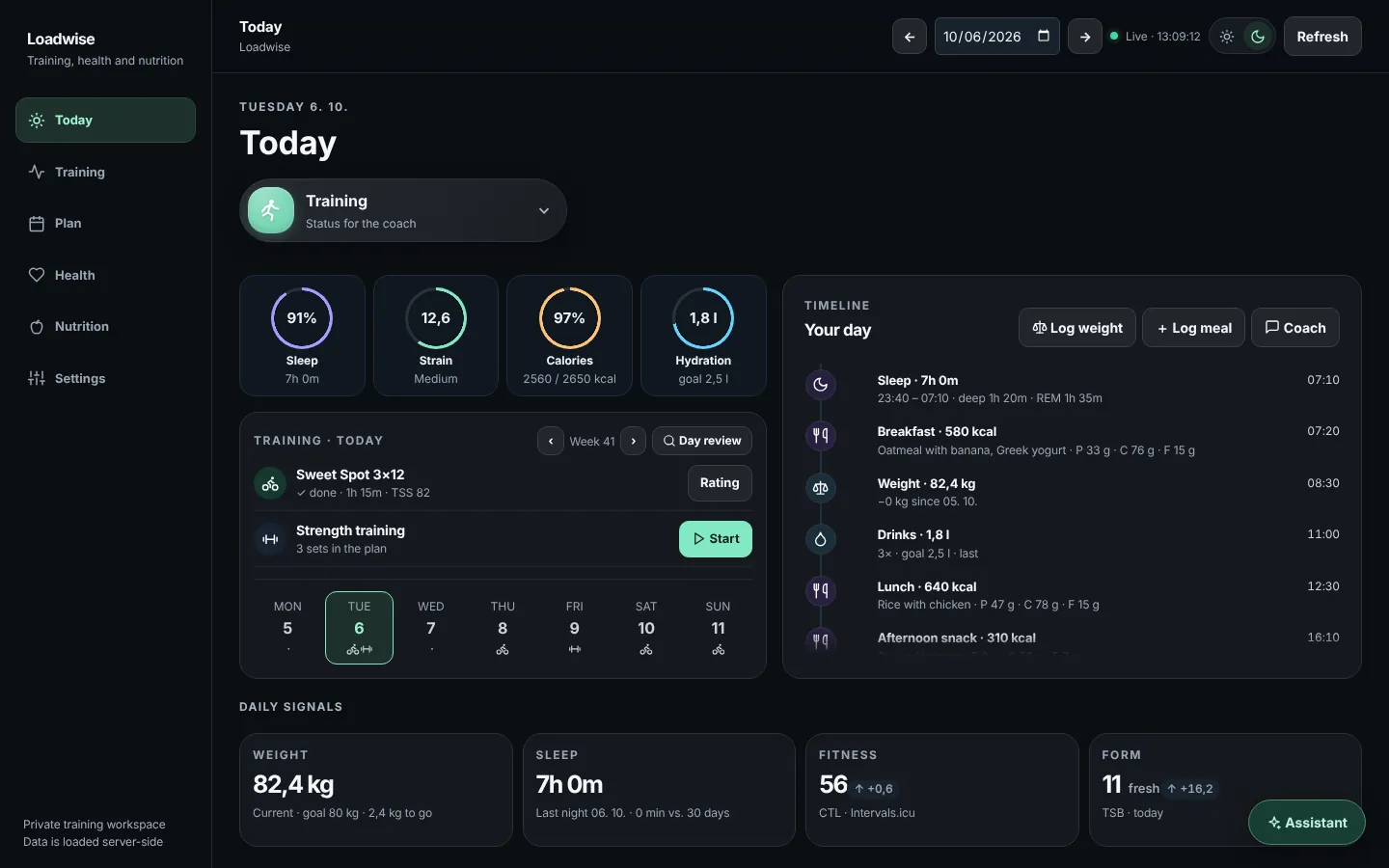
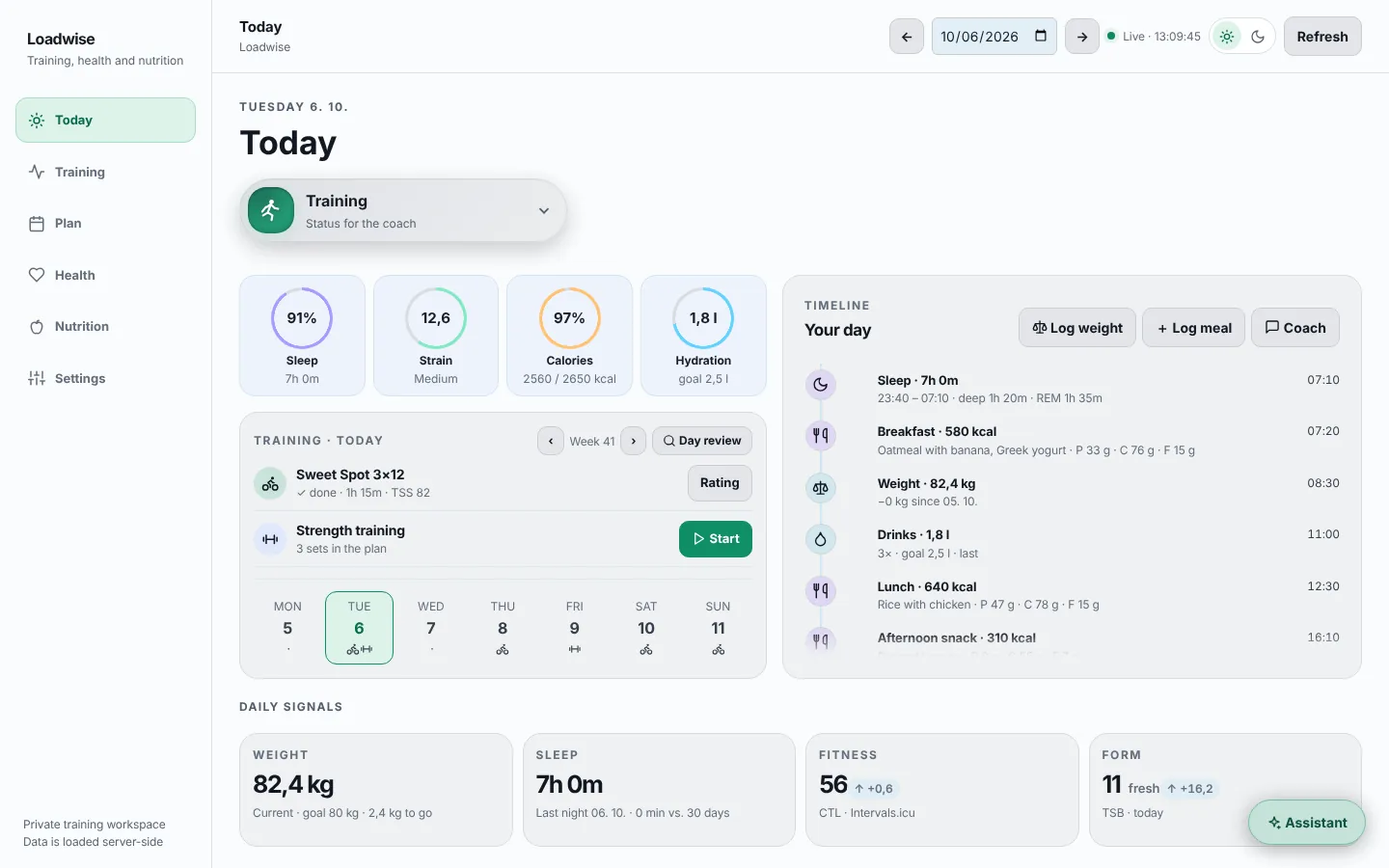
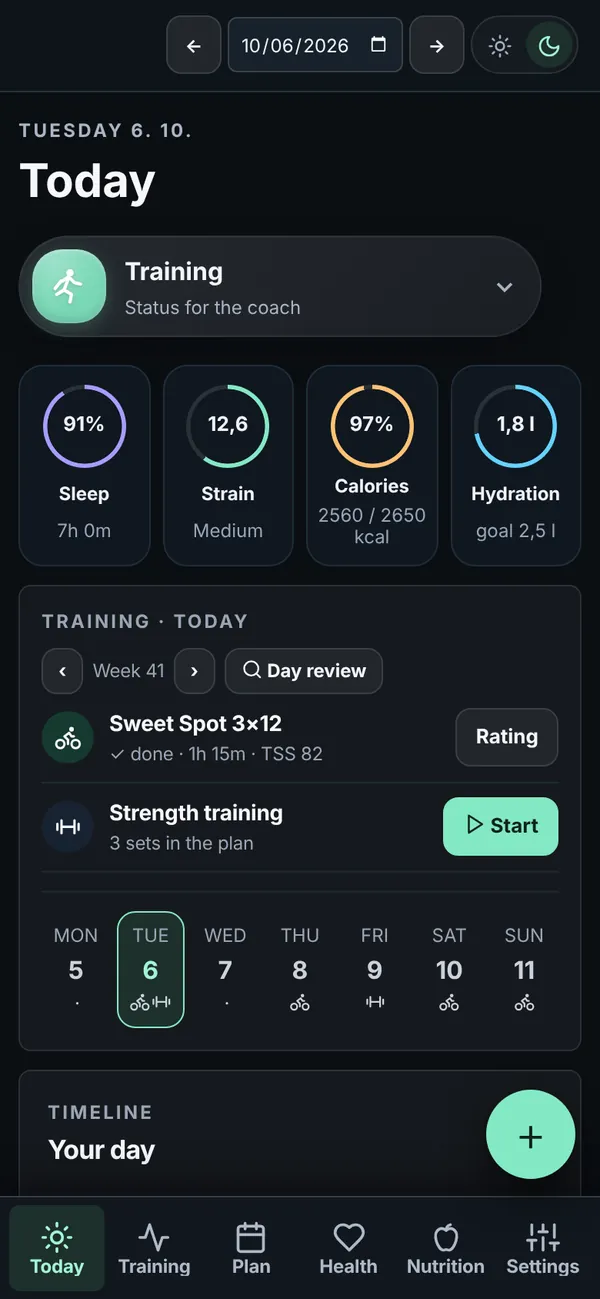
Loadwise brings your workouts, sleep and food into one view and tells you every day how much you can handle, how much to eat and when to back off.
Works with
Your body sends signals all day. Loadwise turns them into a few clear numbers and one recommendation.
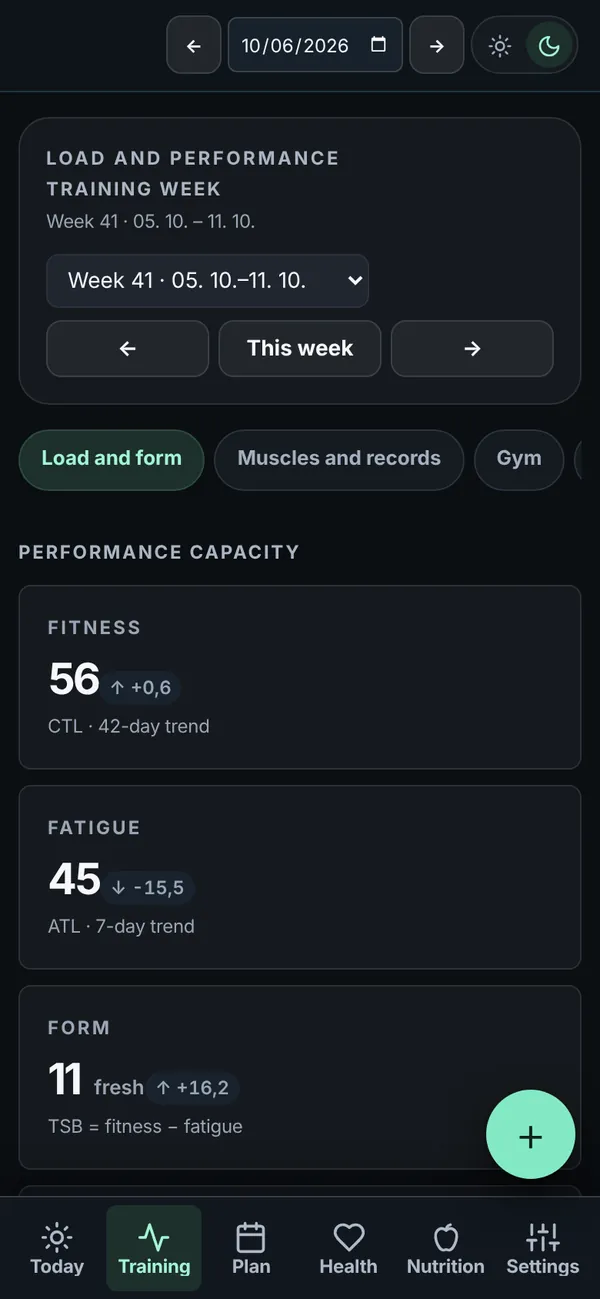
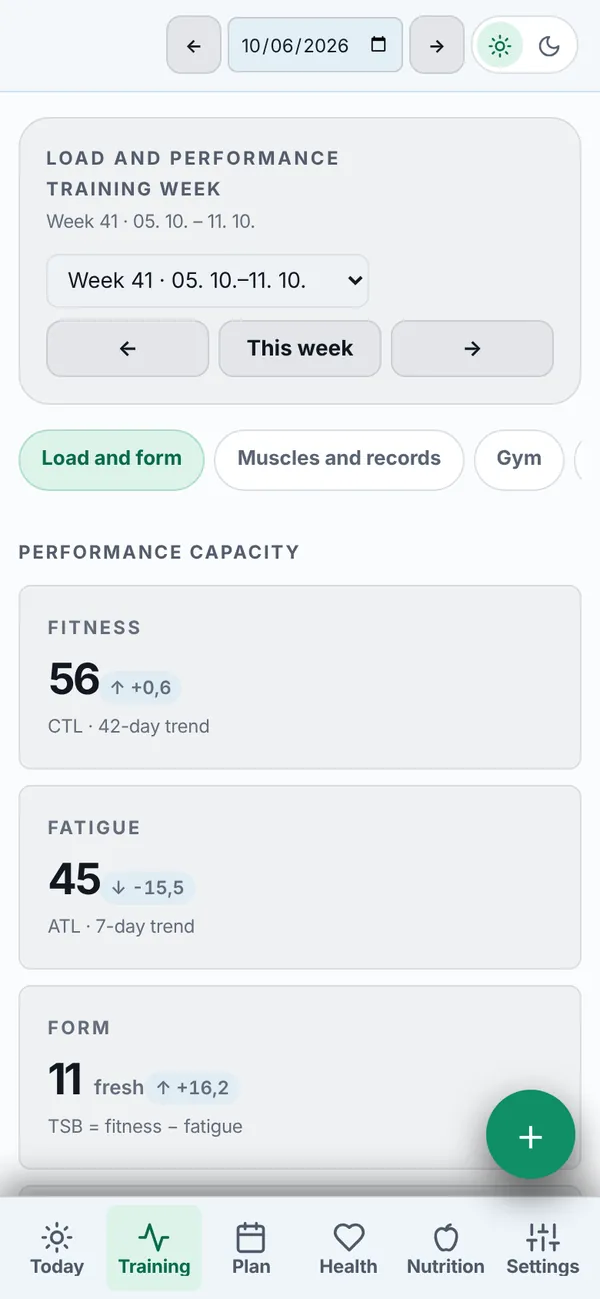
Fitness, fatigue and form from every workout. See whether you are getting stronger or just piling up fatigue.
How long you slept, how much sleep debt you carry and how regular your bedtime is.
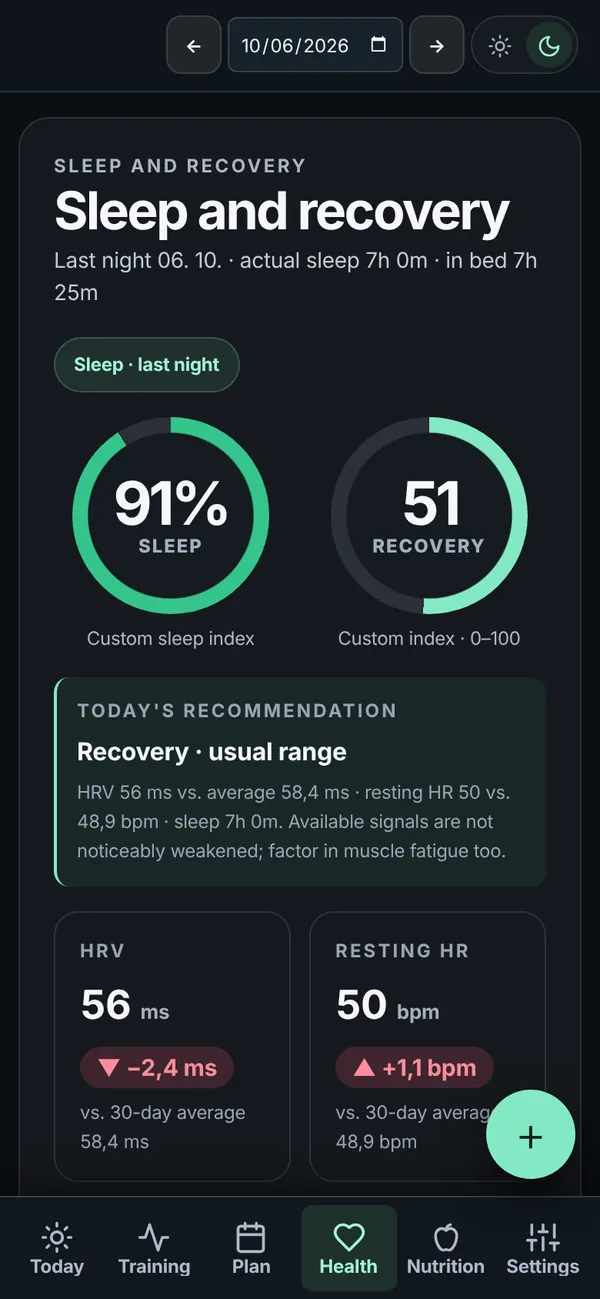
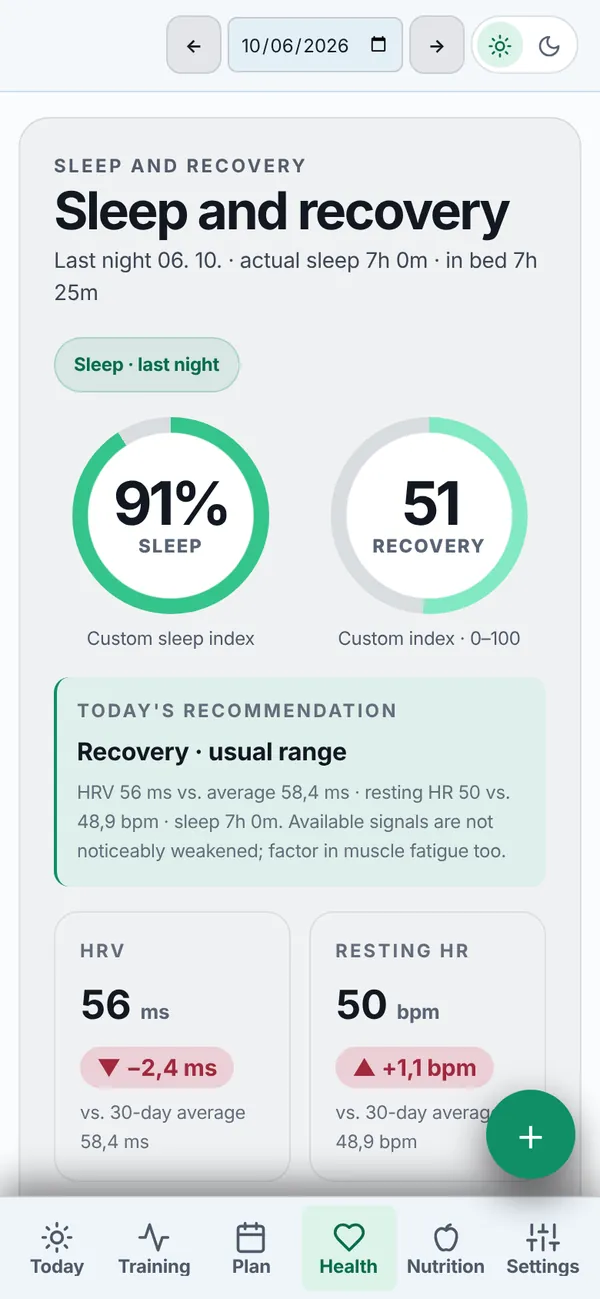
HRV and resting heart rate against your normal. When your body is not keeping up, you hear it before your performance drops.
Your calorie and macro targets follow what your day holds. Log food from a photo, a barcode or a few words.
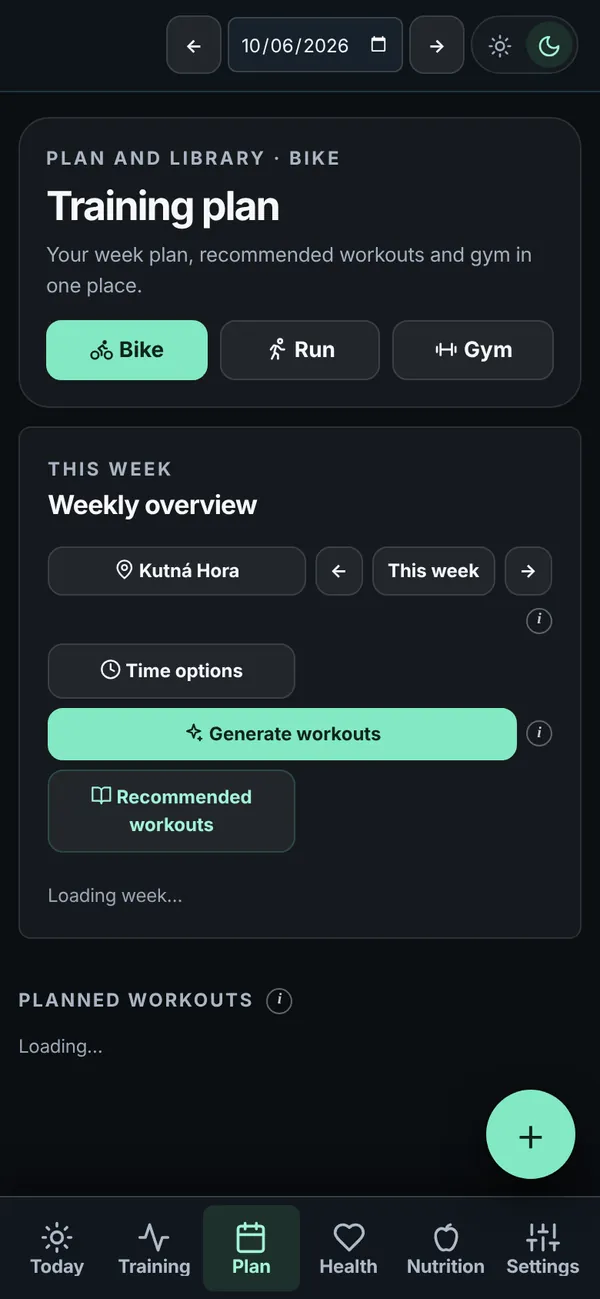
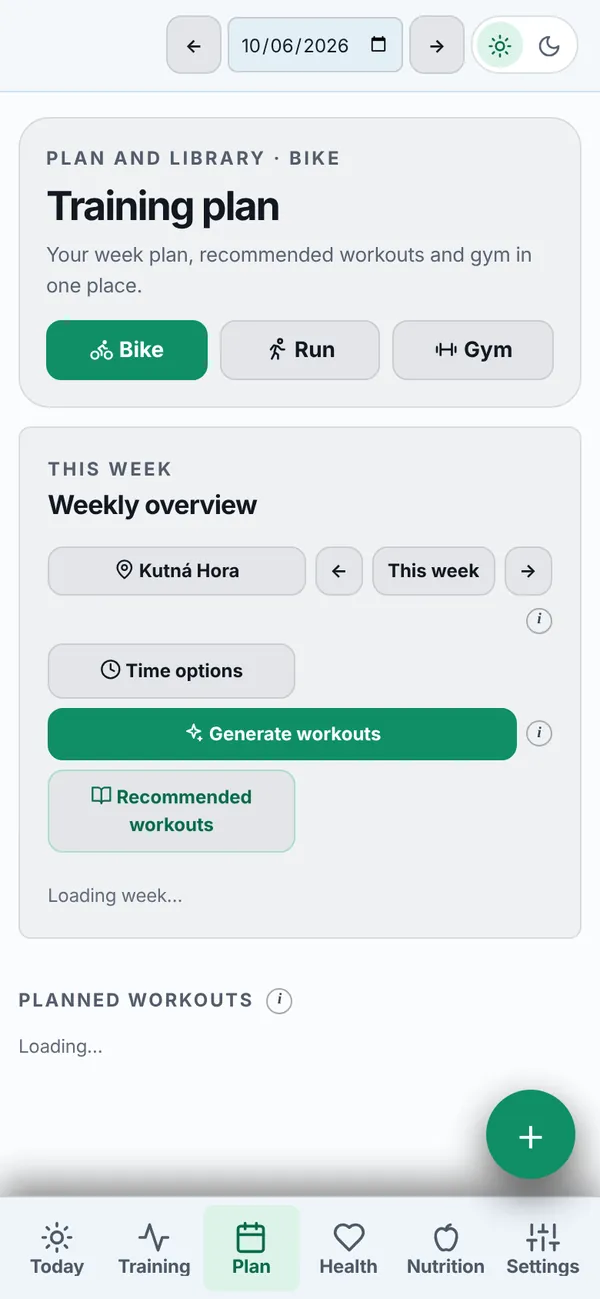
Rides, runs and gym sessions for the whole week, built around the time you have and how you feel.
A personal coach that sees your sleep, workouts and food and gives advice based on them, not generic tips.
“How should I ride today after 6 hours of sleep?” The answer comes from your numbers.
Confirm, reject or discuss every change to a workout or meal.
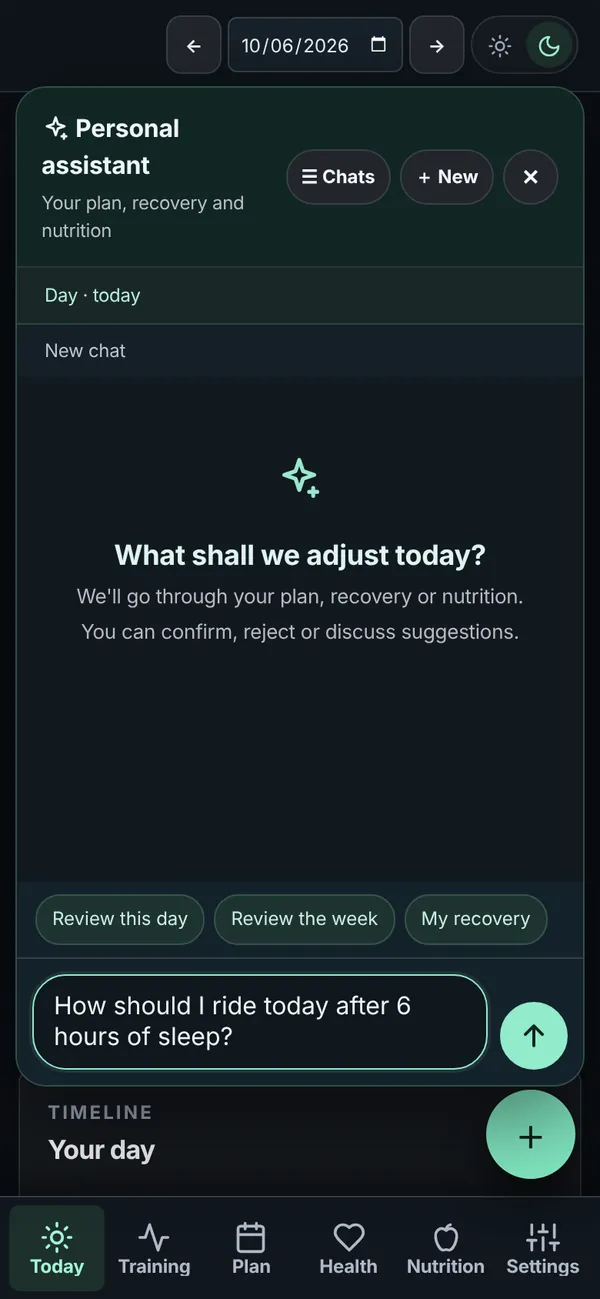
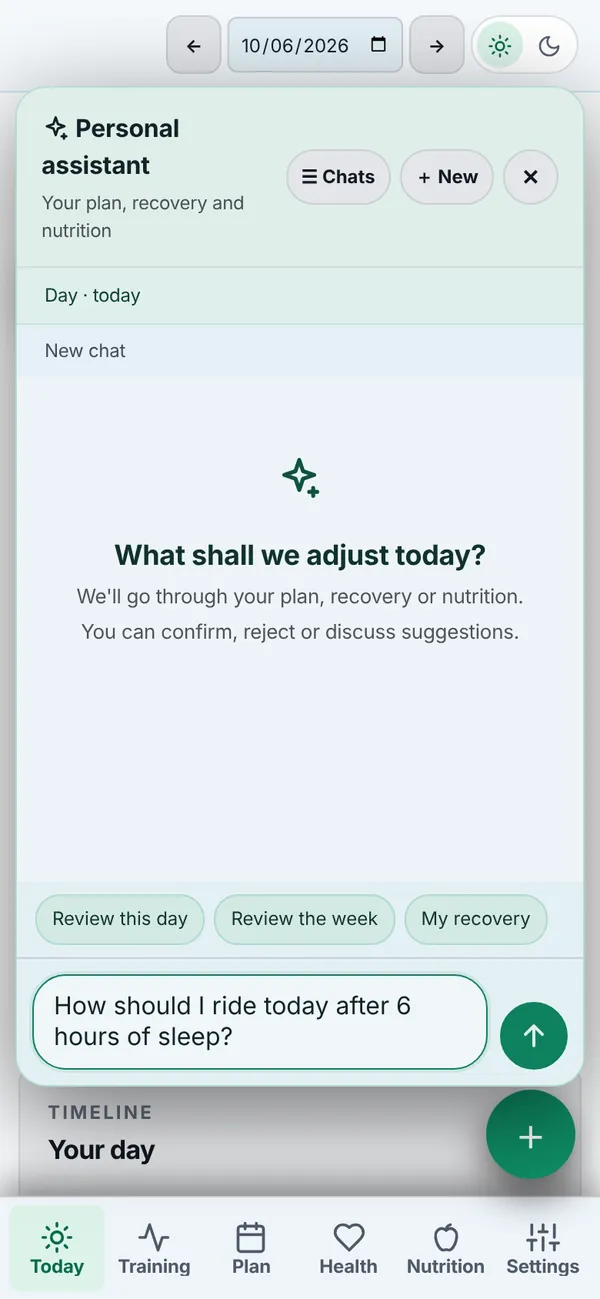
It goes through the day and the week with you and replans what needs it.
It walks through your whole day and suggests what to change.
Your account comes with the invitation, no new password.
Intervals.icu for workouts, Google Health for sleep, health and food. Only what you allow.
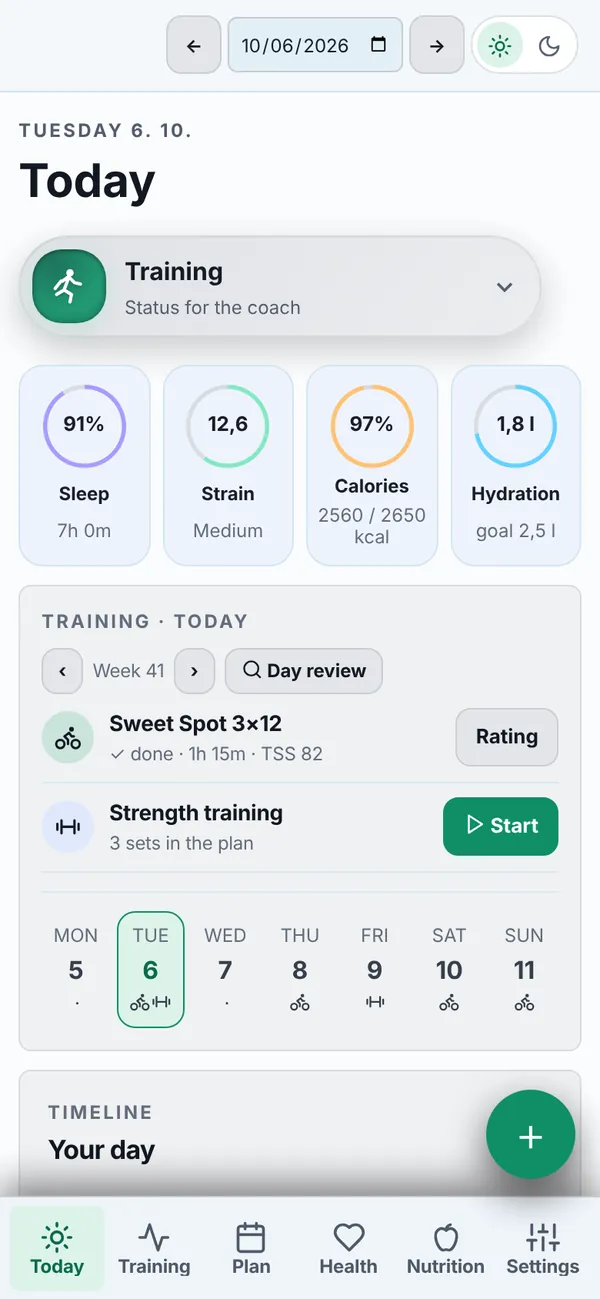
How you are doing, what is ahead and how much to eat today.
Loadwise (Petr Fitness Data) is a personal training service that organizes training history, generates strength workouts, uses cycling context, and supports nutrition workflows.
With your authorization, the service may read fitness, health-metric, sleep, and nutrition data from Google Health. It may also add nutrition logs to Google Health when you ask the service to record food or drinks. This data is used only for the requested training and nutrition features.
The service can process training and fitness data from connected services, including Google Health data that the account owner has authorized, in order to provide these requested workflows.
Loadwise is invite only for now. Sign in with the Google account the invitation was sent to.
Sign in